

Requiply MCP
The AI integration is Requiply's MCP server for connecting your organization data to AI assistants that support Model Context Protocol (MCP). It lets an assistant answer practical business questions using your live Requiply catalog, bookings, clients, pricing, availability, inbox conversations, and reports.
You can find this page under Settings → Integrations → AI.
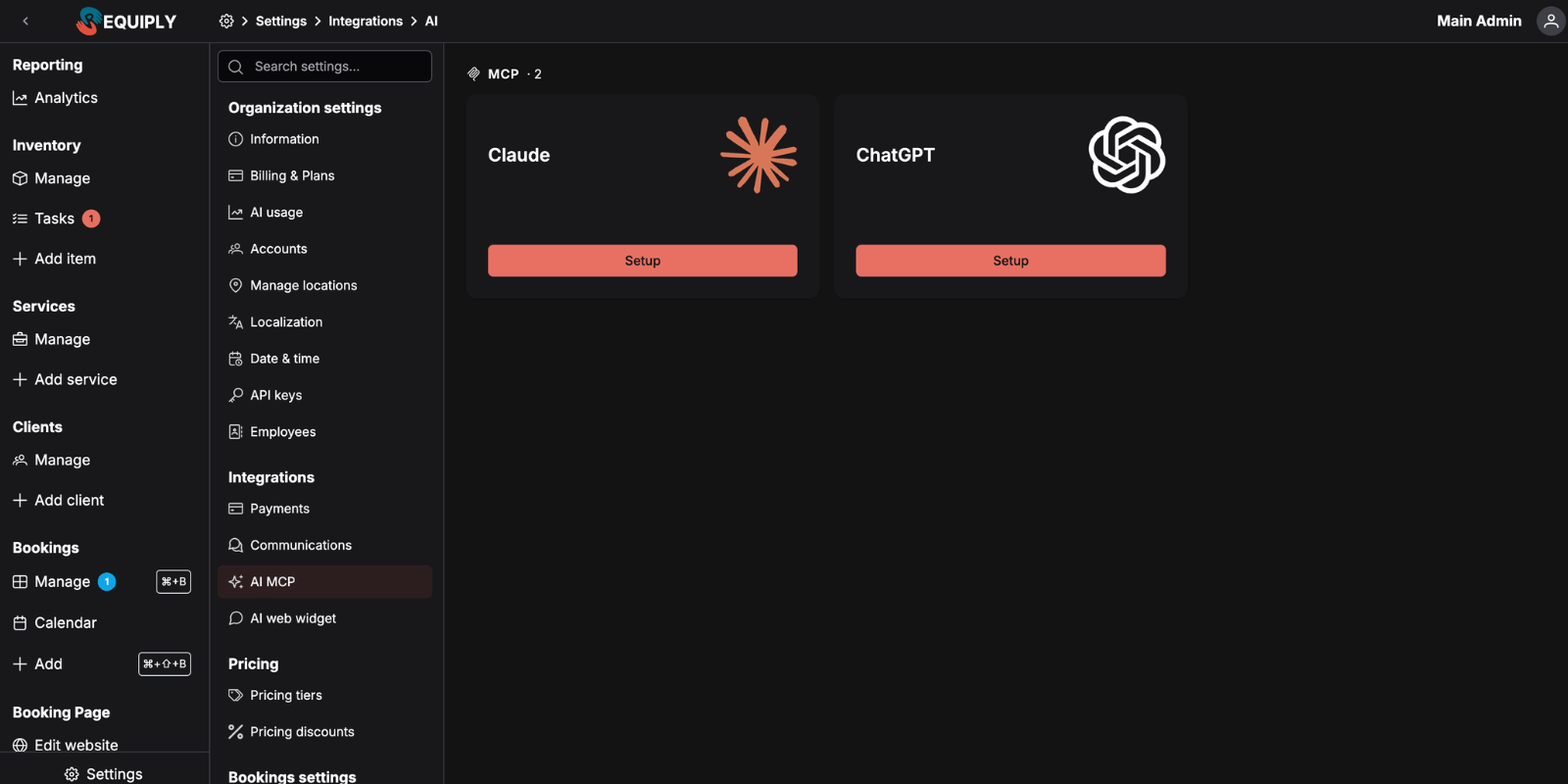
The MCP server URL is:
https://api.requiply.com/api/mcp
Requiply uses OAuth for MCP connector access. When a supported assistant connects, the user signs in to Requiply and approves access; there is no API key or secret token to copy into the URL.
Why AI integration matters
The AI integration gives an assistant a structured way to work with Requiply instead of guessing from exported spreadsheets or screenshots. After access is approved, the assistant can call Requiply MCP tools to inspect your organization, look up inventory, check availability, calculate quotes, find clients, review bookings, answer reporting and filtered questions, read and answer inbox conversations, leave comments for the team, and, for users with the right permissions, manage templates, workflows, and organization settings.
Typical uses include:
- Asking what equipment is available for a date range.
- Estimating a booking total before drafting a booking request.
- Finding a client by email, phone, or name.
- Drafting a booking request for a customer (pending staff approval).
- Reviewing booking details and payment status.
- Checking revenue, utilization, overdue bookings, outstanding balances, and top clients.
- Answering questions that combine filters, such as unpaid July bookings with a drone, or revenue per month this year.
- Reading the conversations waiting for the team and replying to a customer.
- Leaving a comment on a booking that mentions a colleague, or reading the comments that mention you.
- Reading and filling in your own custom fields on bookings, clients, and products.
- Writing or fixing an email, message, or document template with the correct macros.
- Setting up an automation such as a pickup reminder or a confirmation email.
- Changing working hours, deposit rules, or booking buffers.
- Finding how something works in Requiply, with links to this Knowledge Base.
Every record the assistant mentions comes with a link that opens it in Requiply, so you can go straight from the answer to the booking, client, or conversation.
confirmed=true. If you were not shown a preview, the change was not saved.What MCP means in Requiply
MCP is the protocol layer that lets AI assistants use Requiply as a connected tool source. Instead of the assistant only reading a static page, it can request structured JSON from Requiply tools and use those results in its answer.
Access is scoped to the authenticated Requiply account and organization. Only a user with the Admin role (the Administrators permission group) can approve a connection, and that group always has every access permission, so a connected assistant can use all the tools below. The exception is the Booking creation and Communications permissions, which can be switched off for Administrators: when Allow booking outside of working hours is off for the group, the assistant cannot create a booking request outside working hours either. Organization API keys act for the whole organization.
Conversations appear only while the Conversations inbox feature is on, and only a connection signed in as a member can reply to them or take them over, because the reply is sent in that member's name.
Each tool is either read-only or a write tool, never both. Read-only tools (whoami, describe, get_guidance, get_profile, objects_search, objects_get, objects_query, availability_check, pricing_quote, reports_run, settings_get, templates_preview, workflows_validate, search_help) never change anything, so an assistant can call them freely. Tools that change your organization always preview first.
Things to know
- Tool results are returned as structured JSON, so the assistant can summarize, compare, filter, and combine results.
- Every record the assistant mentions carries a
urlthat opens it in Requiply. - Writes always run as a preview first and only save when the assistant repeats the call with
confirmed=trueafter your approval. The preview contains the exact values or the before/after difference that will be stored. - Deleting is limited to templates and workflows, and a template that a workflow or another template still uses cannot be deleted. Categories, locations, and services are never deleted through the assistant; services are archived instead.
- A booking request created by an assistant lands in your Status for booking requests and waits for staff approval. Approval re-checks availability, takes payment, and holds inventory; until then the request does none of those.
- What the assistant can see and change follows the connecting account's permissions.
whoamishows the access matrix, and the assistant is told to explain a missing permission rather than attempt the change. - The AI integration works with organization-scoped data for the authenticated Requiply account.
- The MCP URL does not include a secret key. Authentication happens through OAuth sign-in and approval.
More about Requiply MCP
- Connecting an assistant: add Requiply to Claude or ChatGPT with OAuth, step by step.
- MCP tools: every tool, the records it reads and changes, and the permissions it needs.
- Use cases: questions to ask and the JSON the tools return.
- Troubleshooting: sign-in errors, refused changes, and tools that do not appear.
Requiply Assistant
The in-app AI assistant (Requiply Assistant) on the web and in the mobile app: ask about your bookings, clients, inventory, debts, revenue and availability in plain language, get how-to answers from the Knowledge Base, and draft email, message and document templates. It reads your workspace data but never changes it.
Connecting
Add Requiply as a custom connector in Claude or as a custom MCP server in ChatGPT, sign in with OAuth as an Admin, and start using the tools.