


The Requiply mobile app is now on Google Play. Until today it ran only on iPhone, so teammates with Android phones had to open Requiply in a mobile browser. Now the whole team installs the same app, whatever phone they carry.


How to Start
- Install Requiply from Google Play.
- Sign in with the email and password or the Google account you already use on the web.
- Your organization, bookings, clients and inventory are there right away. There is nothing to import or set up.
The app works only with an existing Requiply account. A new teammate first gets an invitation from an admin on the web, then signs in on their phone.
What You Can Do on Android
1. Bookings away from the desk
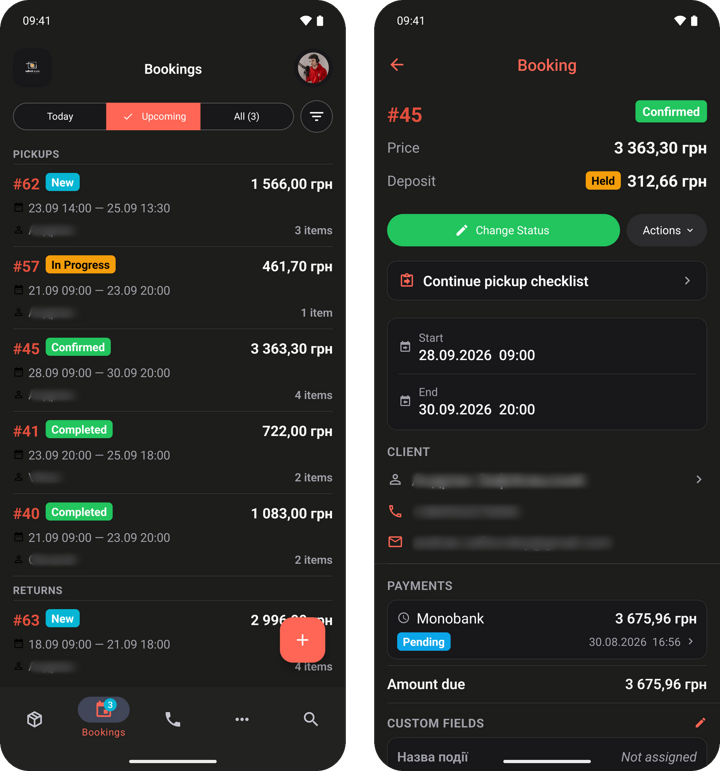
See today's and upcoming bookings, open any booking and change its status. Pickups and returns run through the checklist, unit by unit, and new bookings can be created right on the phone.
2. Scan to open a unit
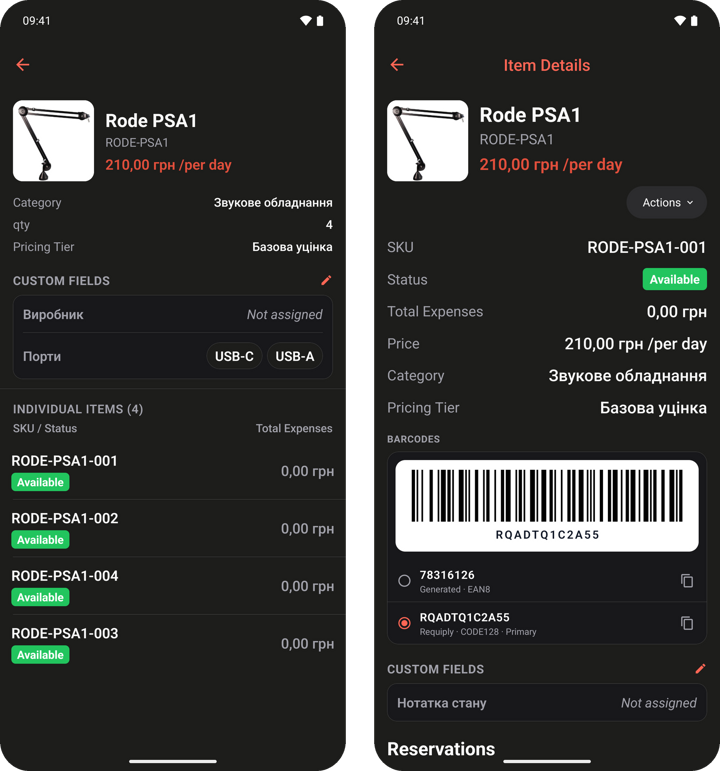
Point the camera at the QR code or barcode on a label to open that exact unit: status, price, expenses, barcodes and bookings in one screen, without typing a search. The item page lists every unit, so you can see at a glance which ones are available.
3. Payments and deposits on the spot
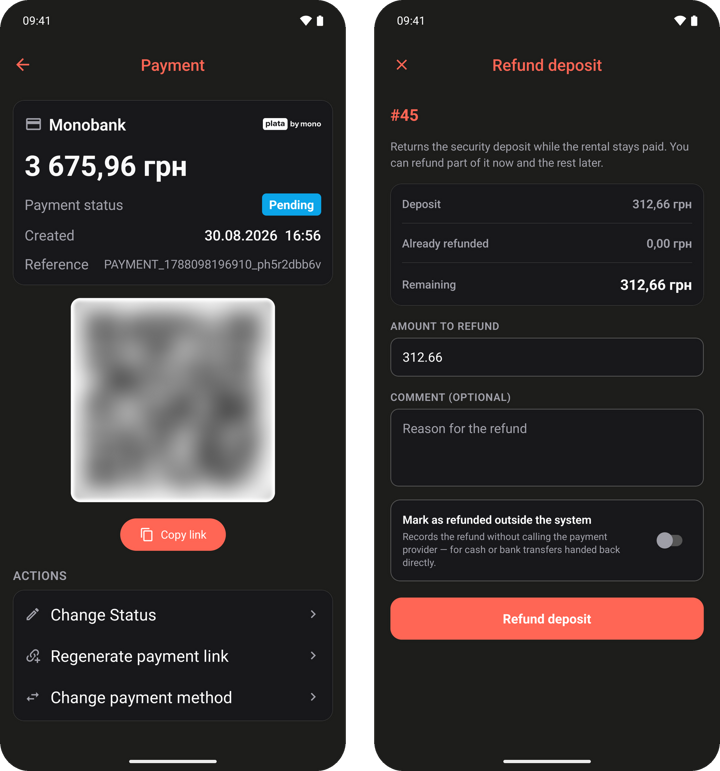
Show the client a payment QR code so they pay from their own phone, and return a deposit in full or in part when the gear comes back.
4. Analytics and calls
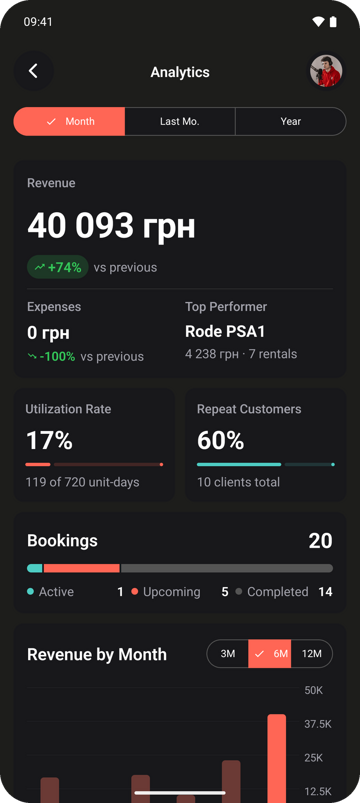
Revenue, expenses, the top performing item, utilization and repeat customers for the month are one tap away. With Binotel connected, the Calls page shows every client call with its recording.
5. Access by role
Every teammate sees only what their permission group allows, exactly as on the web. A warehouse worker can stay on maintenance while analytics stays with admins.
Also on iPhone
The iPhone app stays on the App Store, so a mixed team works from one account on any phone.
Found a bug or missing something on your phone? Write to us at info@requiply.com. And if the app saves you time, a review on Google Play helps other rental businesses find it.
- android
- google play
- mobile app
- rental app
- barcode scanning
- qr payments
- deposit returns
- requiply