


A customer is at the counter, the power is out, the shop Wi-Fi is dead and your phone shows one bar. Or you are handing over scaffolding in a basement, a sound system in a field, skis at a mountain base. From version 1.1.7, the Requiply app for iPhone and Android is built for exactly these moments.
Does Requiply work without internet?
Yes. On a weak mobile connection, even 2G, the app works fully: bookings and clients are created, while search and scanning answer from the phone. With no connection at all you can still see bookings, inventory, prices and clients, scan codes and put a new booking together. Requiply saves it as soon as any signal comes back.
Why rental businesses need this
Rentals happen where the internet is worst: on job sites, at outdoor events, in the mountains, in warehouses on the edge of town. And demand often peaks when the network is weakest. People rent generators and power stations during an outage, exactly when everyone switches to mobile data and the cell towers run on batteries.
Most rental software shows a loading spinner in that moment. Writing the handover on paper and typing it in later means double bookings and lost deposits. So we made three changes:
- The app notices a weak connection and adapts instead of freezing.
- A booking created on a bad connection is never lost and never duplicated.
- The data you need at the counter can live on the phone.
How Requiply works on a weak connection
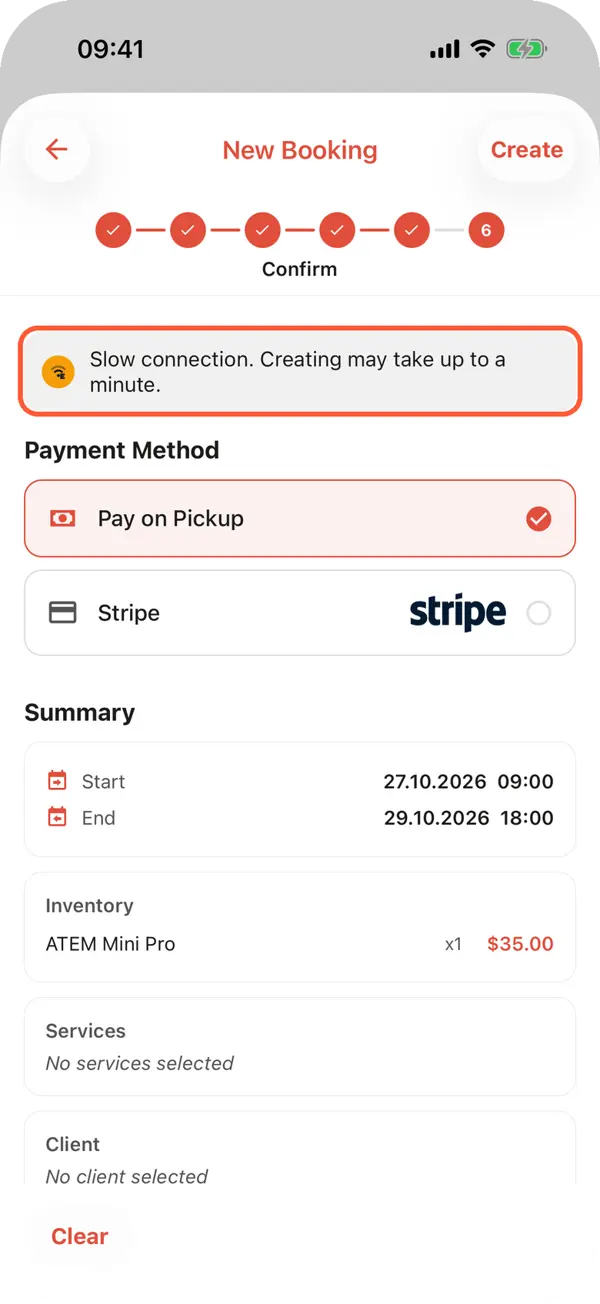
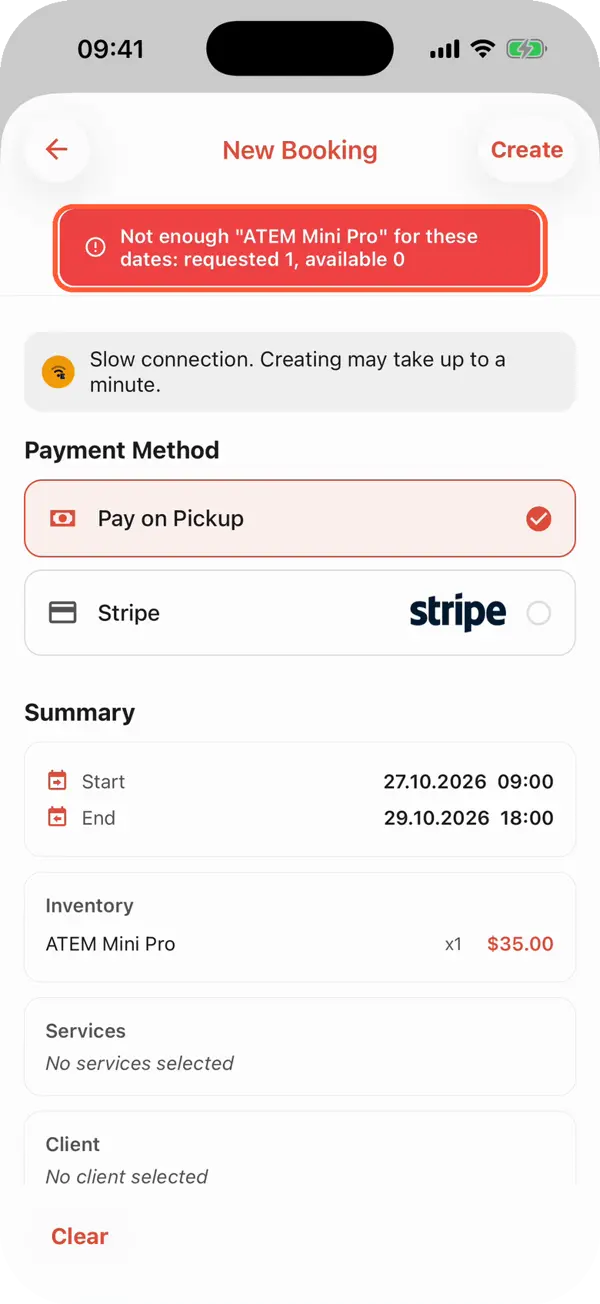
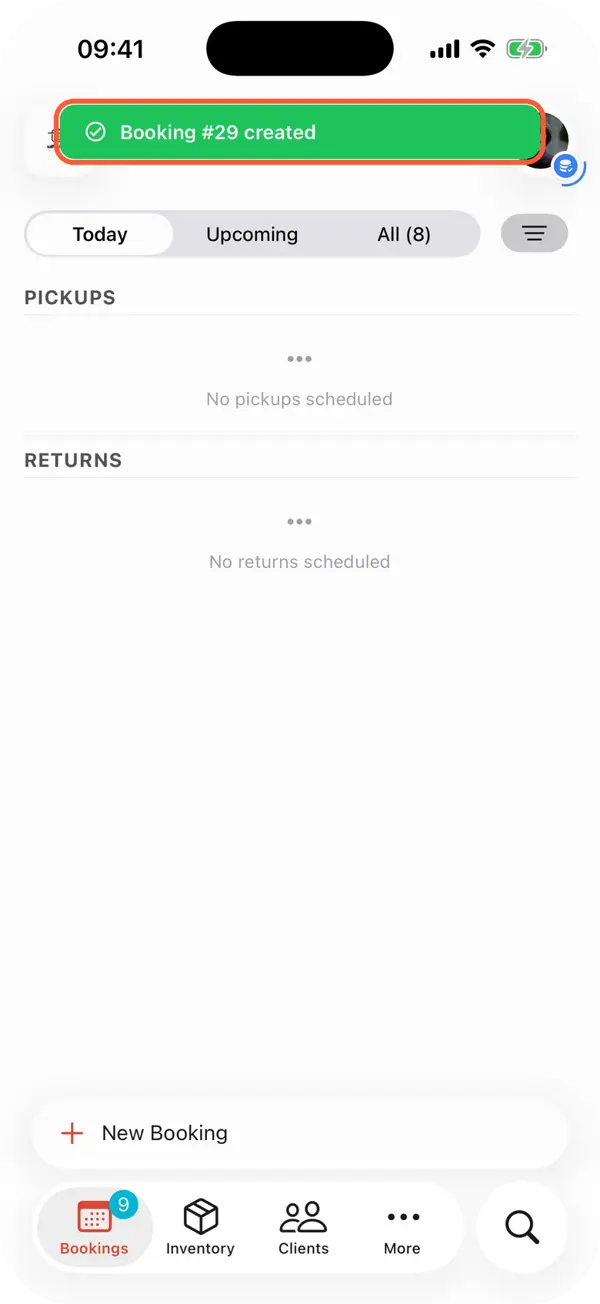
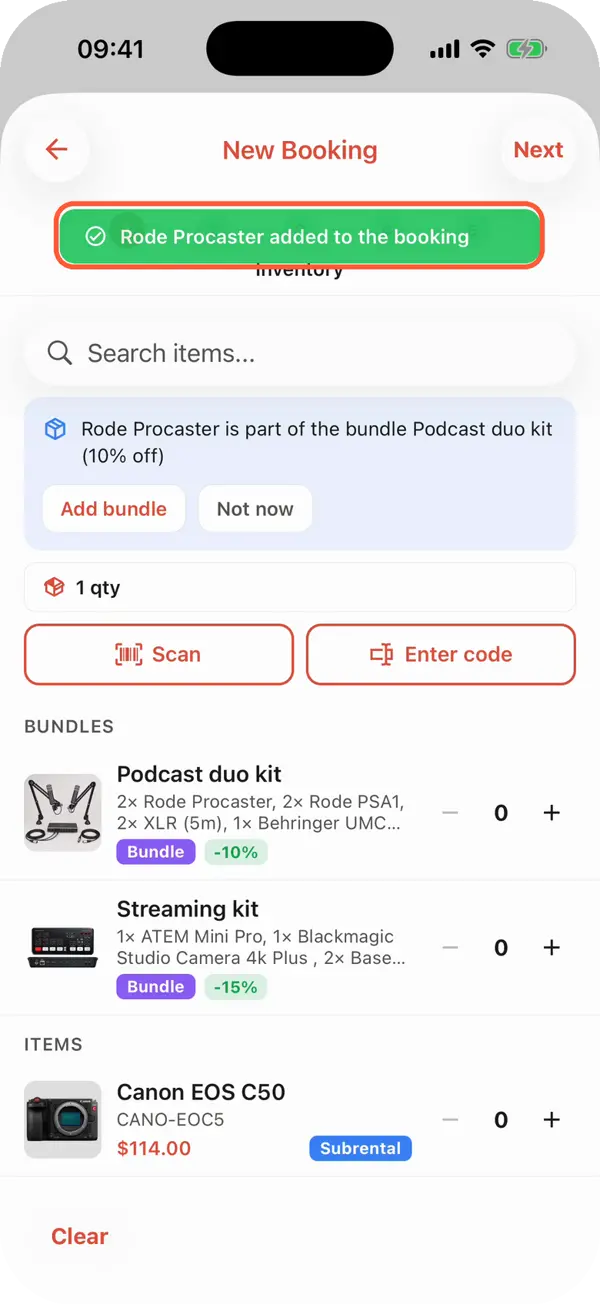
Requiply keeps measuring how fast the server answers. When the connection is weak, it waits longer instead of failing, refreshes lists in the background less often and holds back photo downloads. The confirm step warns that creating may take up to a minute. In our 2G test, the booking opened about 3 seconds after the tap.
The last point matters when several people hand out equipment at once. If a teammate booked the last unit while your request crawled through 2G, Requiply refuses and shows how many are available instead of quietly saving a conflict.
What works with no internet at all
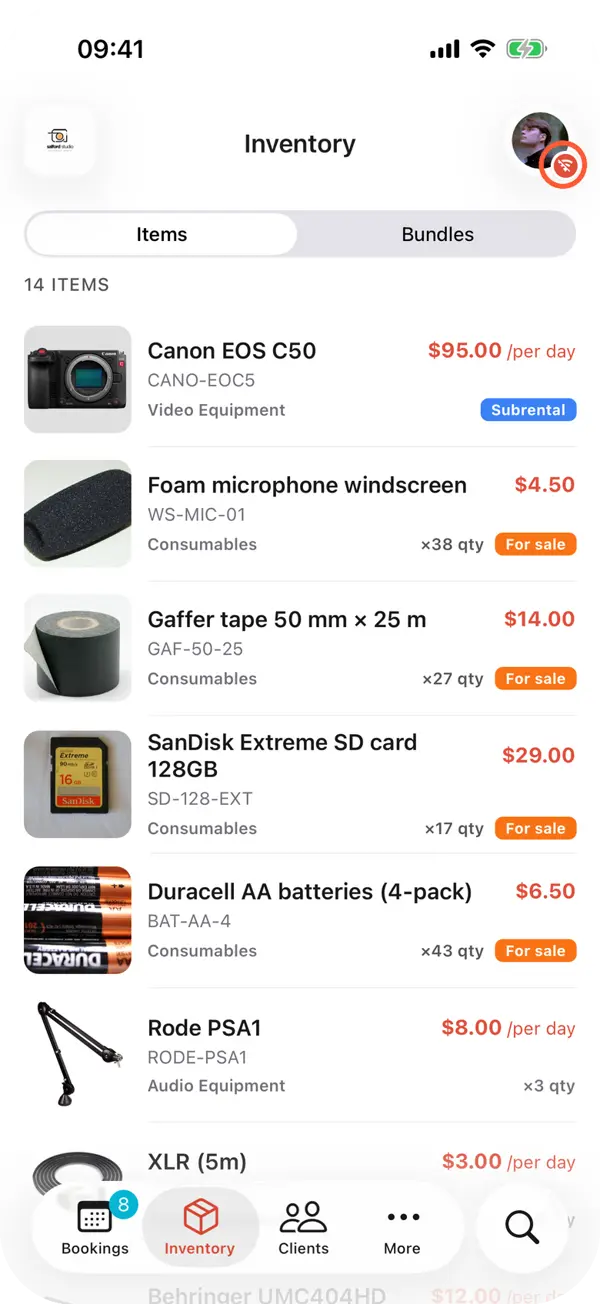
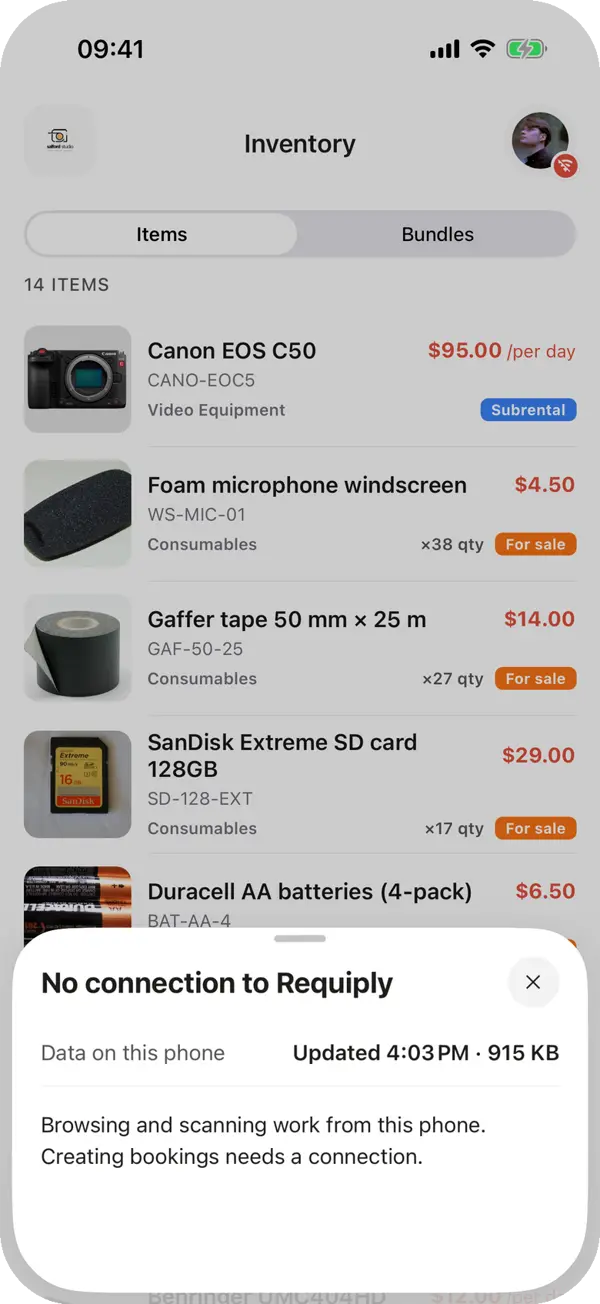
When there is no signal, Requiply doesn't show an empty screen. Data on the phone opens right away:
What waits for a connection:
Quoting a price with no connection
A customer calls, the call gets through, but mobile data loads nothing. Open the inventory or start a new booking: the daily price of every item and the stock are on the phone. Give an estimate and pick the items and dates. The Create button wakes up as soon as any signal appears, and Requiply works out the exact total with your pricing tiers and the client's discount.
How to turn it on
Working on a weak connection is on for everyone. To keep working with no connection, keep a copy of your data on the phone:
- Tap your avatar in the top right corner.
- Turn on Keep data on this phone.
- Requiply shows how much it will download. Tap Download.
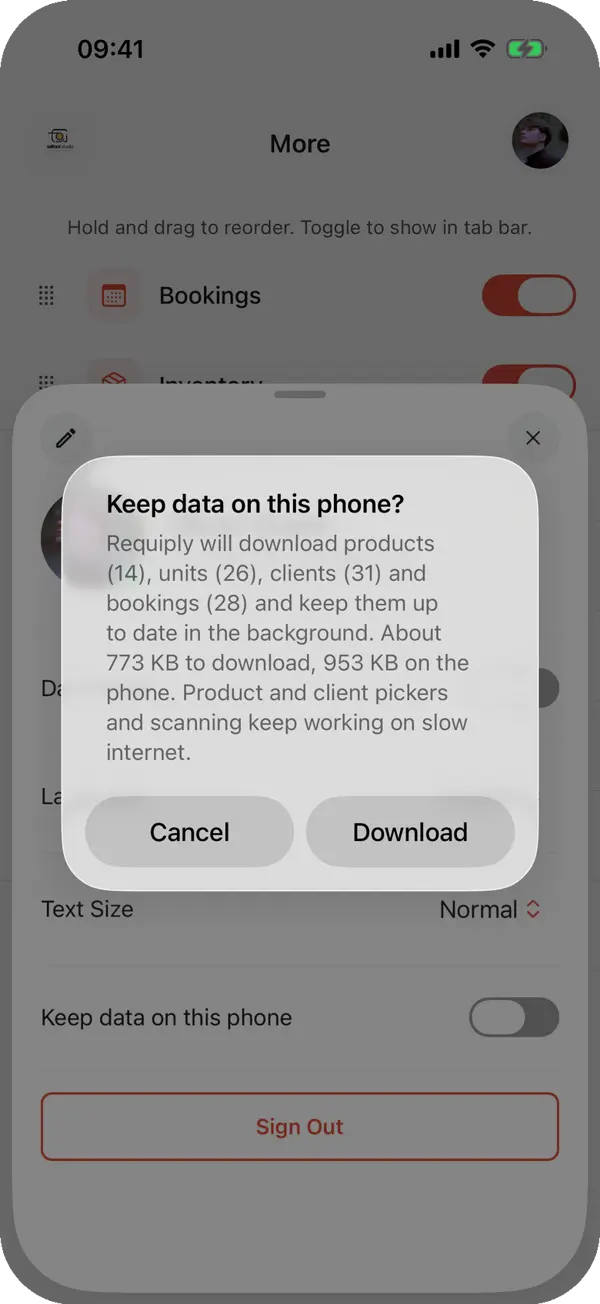
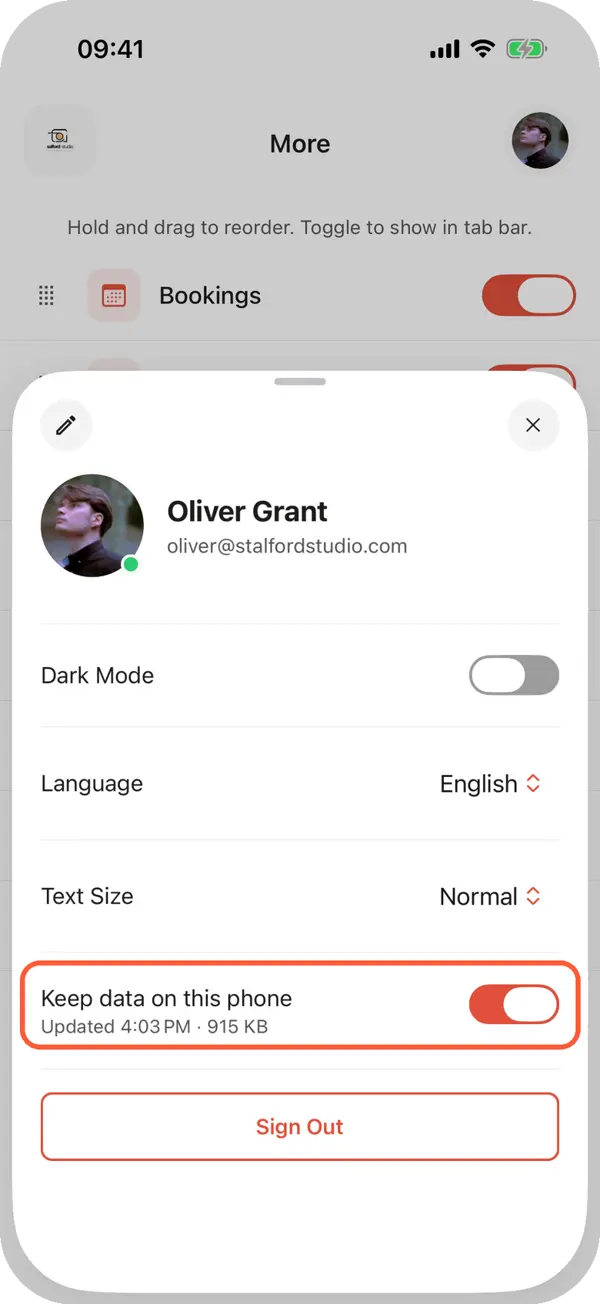
Do it ahead of time, on a good connection. A catalog of 3,470 units takes about 3.4 MB, and the first download over 2G took 15 to 25 seconds. Product photos download only on a good connection. After that the copy updates itself: teammates' changes reach the phone within seconds, and the phone refreshes it in the background from time to time while the app is closed.
How to tell the connection is weak
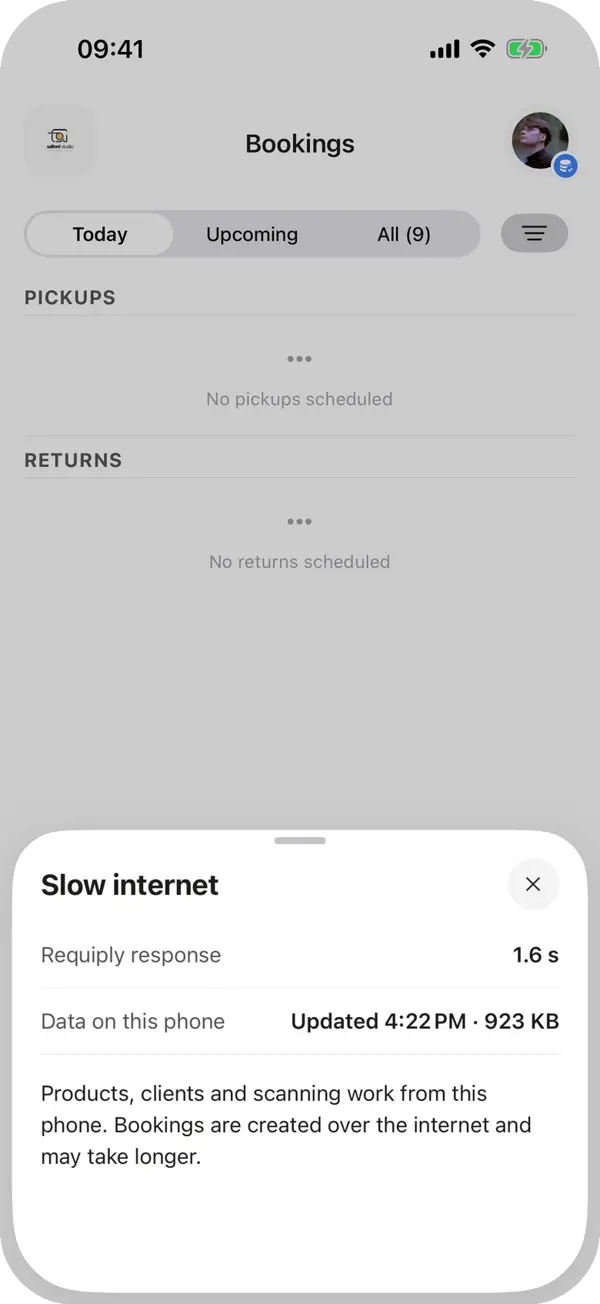
A badge next to the avatar shows the state. Blue means a weak connection and the app is working from the copy on the phone, blue with a spinning ring means the copy is updating, and red means Requiply can't be reached. Tap it to see the server's response time, when the copy was last updated and what works right now.
Which rental businesses need it most
- Generator and power station rental. Demand peaks during outages, when networks are at their worst.
- Construction tools, formwork and scaffolding. Handovers on site, in basements and out of town, where the signal is weak on a normal day.
- Event and wedding rental. Setups in fields, country venues and festivals where thousands of people share one cell tower.
- Ski, outdoor and water sports rental. Mountains, lakes and campsites have patchy coverage, and peak season overloads it.
- Multi-location rental. A warehouse with poor coverage and a manager in town work with the same data.
Is it safe to keep data on a phone?
The copy on the phone is encrypted. The Requiply server issues the key per device for 72 hours and renews it on every update. If someone is removed from the organization, the copy is wiped on the next connection. If the phone stays offline, the key is gone after 72 hours and the file can't be read. Turning the switch off or signing out deletes the copy too.
Frequently asked questions
Update Requiply to version 1.1.7 and turn on Keep data on this phone while the connection is good.


- equipment rental software
- rental business
- offline mode
- rental app without internet
- weak signal
- power outage
- mobile app
- requiply