

OLX
Connect your OLX (olx.ua) account and every message buyers send about your listings arrives in Conversations. Your team replies from Requiply on the web or in the mobile app, or the AI assistant answers first, with the listing the buyer asks about shown above the chat.
Before you start
| Requirement | Why it matters |
|---|---|
| The Conversations inbox switched on | OLX conversations live in the inbox. |
| An administrator in Requiply | Only administrators connect channels. |
| Your OLX account login | You sign in on OLX's own page; Requiply never sees your OLX password. |
| Advanced plan, only for AI answers | Receiving and answering OLX messages works on every plan. |
Connecting your OLX account
- Open Settings → Integrations → Communications, at
https://app.requiply.com/settings/integrations/communications, and find the OLX card. - Press Sign in with OLX. OLX opens its sign-in and consent page.
- Sign in with the OLX account that owns your listings and allow access.
- OLX sends you back to Requiply, and the card shows Configured.
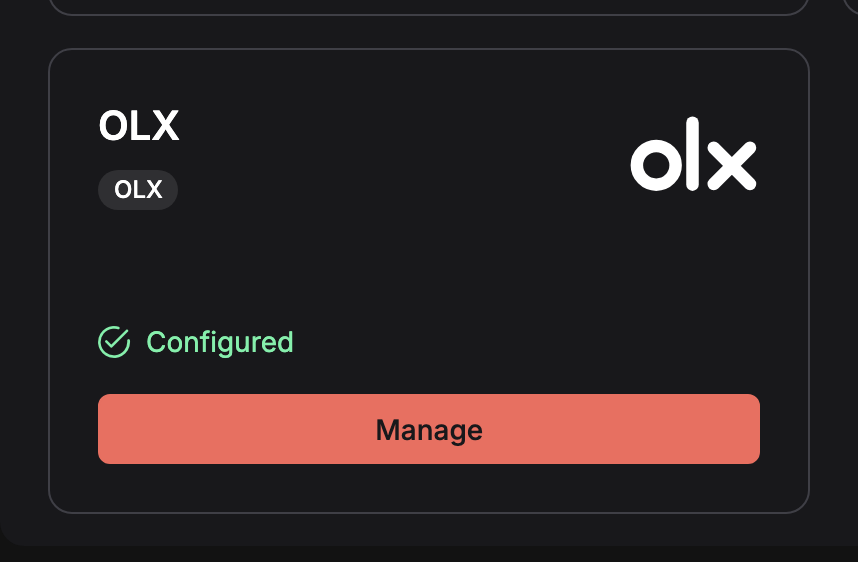
The OLX card once an account is connected. Manage opens the account, its last check time and a link to the channel and AI assistant settings.
The account then appears on the Channels tab of Omnichannel inbox settings, where you can pause it, disconnect it, or choose when the AI assistant answers OLX buyers. You can connect more than one OLX account with Connect another account.
How messages arrive
OLX does not push new messages to other apps, so Requiply checks for them every 10 to 15 seconds. The card shows when the account was last checked.
- Right after connecting, chats with unread messages come into the inbox. Older chats appear when the buyer writes again, with the earlier messages kept as history.
- One chat per buyer per listing. OLX keeps a separate chat for each listing a buyer asks about, and so does the inbox.
- Files and photos buyers send are saved in Requiply, because OLX's own links to them expire after about an hour.
The listing card
Each OLX conversation shows the listing it is about above the thread: the photo, the title, the price, and Not active when the listing is no longer live. Open on OLX opens the listing; the arrow folds the card to one line. The details refresh as new messages come in, and the AI assistant reads them too, so it knows which item the buyer means.
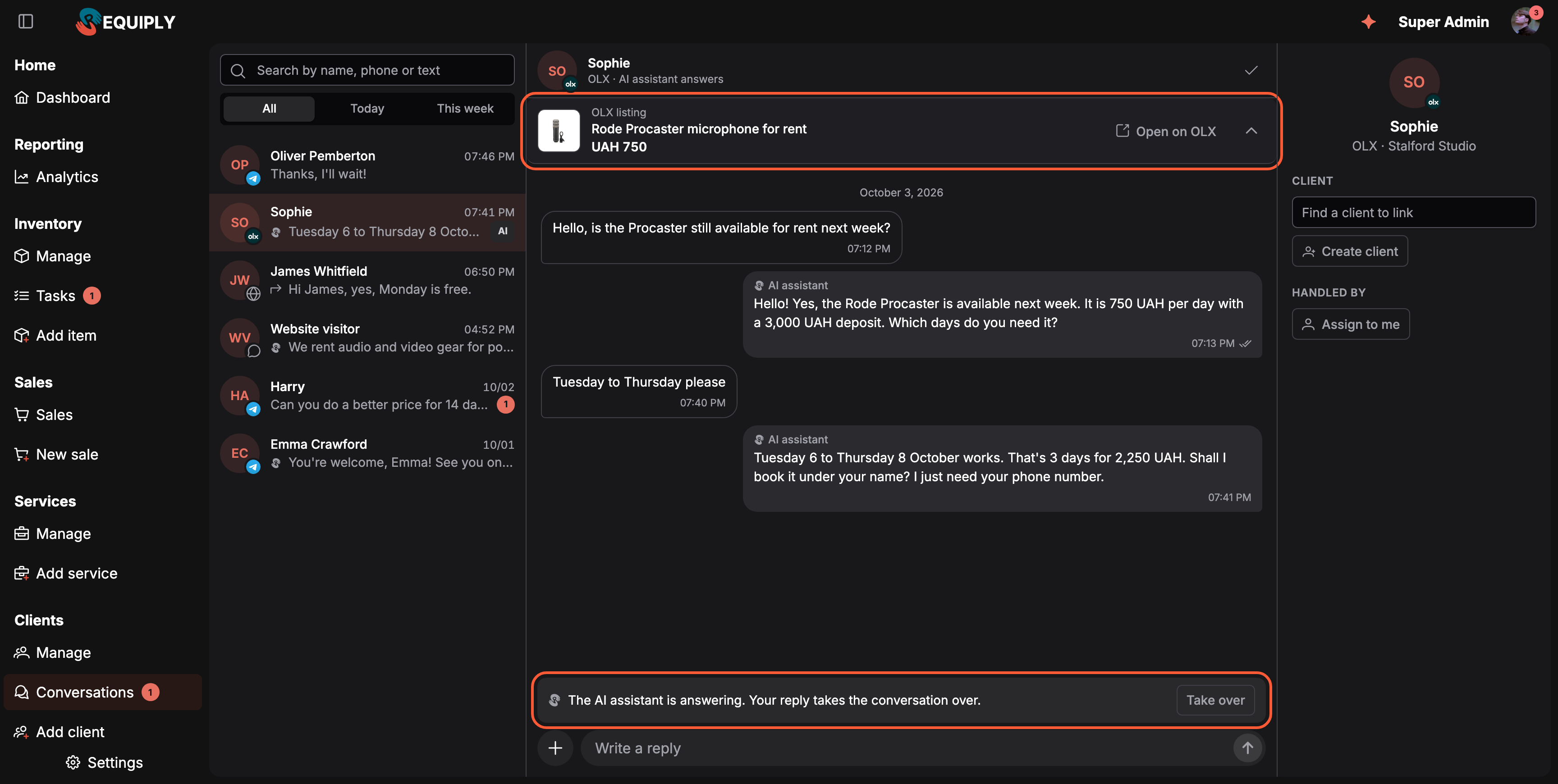
An OLX buyer answered by the AI assistant, with the listing on top. The double tick shows the buyer has read the reply.
Replying
- From Requiply. Type in the composer. Long replies are split into several OLX messages. OLX needs text with every message, so files sent on their own go out with their names as the text.
- From the OLX app. Replies you type in the OLX app on your phone also appear in the thread, labelled Sent from OLX. Because a person stepped in, a conversation the AI assistant was answering moves to your team.
Read status
Requiply and OLX keep each other's read status in step:
- Opening a conversation in Requiply marks the chat read on OLX.
- Replying from Requiply, by a team member or by the AI assistant, also marks it read on OLX, so the OLX app does not keep showing answered chats as new.
- Reading a chat in the OLX app clears its unread count in Requiply, as long as the buyer wrote last.
- Read by the buyer. When the buyer reads your reply, a double tick appears next to the time of that message, on the web and in the mobile app. Requiply keeps checking for two days after your last message.
Common scenarios
- "Is it still available?" at midnight. With OLX set to answer Always, the assistant replies in seconds with the price and deposit from your catalog, and asks for a phone number before handing a booking question to your team.
- A manager answers from the OLX app on the go. The reply shows up in Requiply as Sent from OLX, and the assistant stops answering that buyer.
- The listing was removed. The card says Not active, and the conversation stays in the inbox with its history.
Tips and cautions
- Phone numbers stay on OLX. OLX does not share buyers' phone numbers with other apps, so keep Ask for a phone or email before handing over on in settings.
- Chats where you are the buyer appear too. If someone uses the same OLX account to write to other sellers, those chats come into the inbox as well. Their listing card shows only the listing number, because OLX does not show other sellers' listings to Requiply. Set OLX to Never answer if the account is used for buying, or close such chats.
- When OLX stops accepting the sign-in, the card says OLX stopped accepting the sign-in. Sign in again to keep receiving messages. and the channel shows Needs attention. Press Sign in again.
Connect your Instagram Business or Creator account so Instagram Direct messages arrive in the Conversations inbox: beta access, the Connected tools setting, sign in with Instagram, shared posts, reels and story replies, ads, the 24-hour reply window and the limits of the Instagram integration.
Comments
The notes, photos, files, and expenses your team attaches to an item, a task, a booking, or a client, plus the automatic history Requiply records alongside them.